External CD/DVD Drives for Modern Laptops
With optical drives virtually extinct in modern computing hardware, external USB readers have become essential archiving tools.
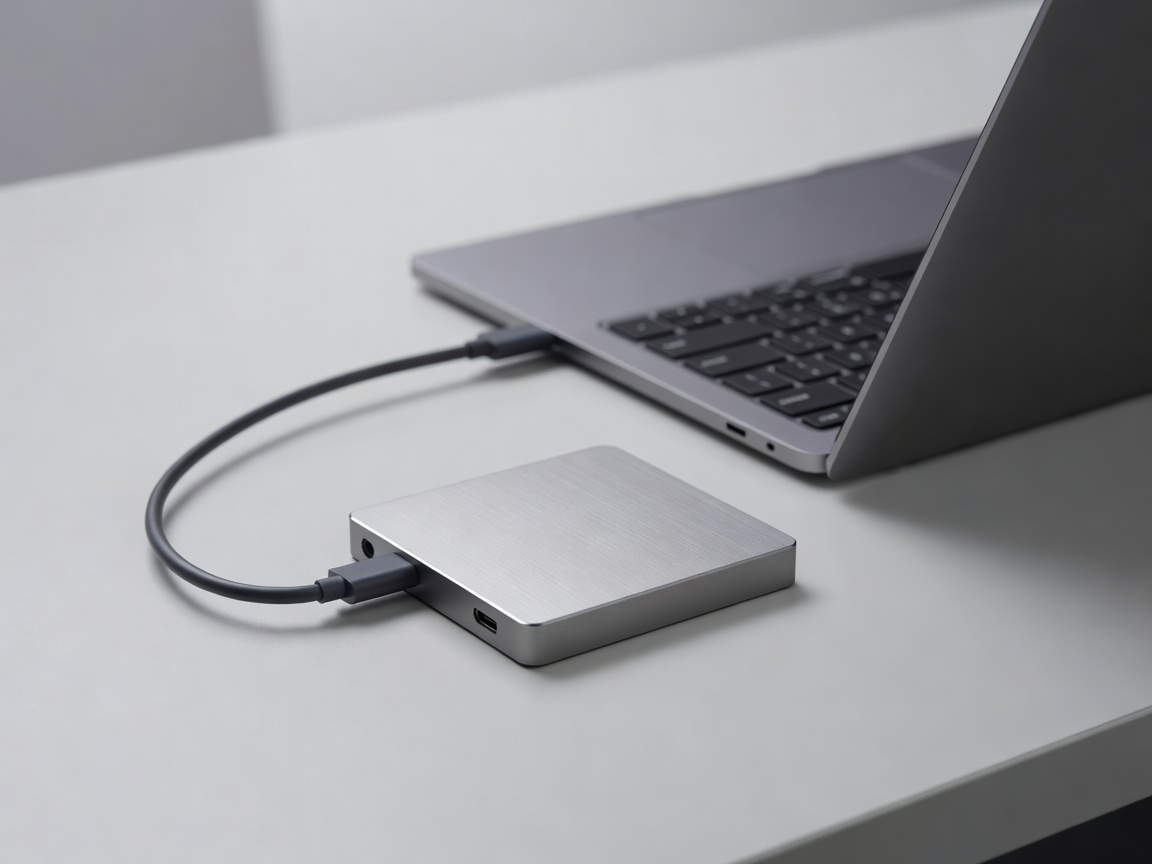
The Disappearance of the Internal Drive
In the pursuit of thinner, lighter, and more power-efficient laptops, manufacturers systematically eradicated the internal 5.25-inch and slimline optical drive. Today, it is nearly impossible to find a consumer laptop or pre-built desktop that includes a CD/DVD reader. However, millions of users still rely on physical media for legacy software installation, high-fidelity audio ripping, and secure cold-storage data backup. The solution is the external USB optical drive.
Interface Standards: USB-A vs. USB-C
Modern external drives connect via the Universal Serial Bus protocol. When selecting a drive, the connection interface is the most critical logistical factor.
- USB 3.0 Type-A: The traditional rectangular connector. Capable of data transfer speeds up to 5 Gbps, which is vastly more bandwidth than a 24x DVD drive requires. Many drives utilizing this standard require a dual-head cable (occupying two USB ports) to draw sufficient power to spin the disc.
- USB-C / Thunderbolt: The modern, reversible oval connector. A single USB-C connection not only provides ample data bandwidth but also delivers significantly more wattage than traditional ports. A native USB-C drive rarely requires external power adapters, making it truly plug-and-play for modern ultrabooks.
Ripping and Archiving: Read and Write Speeds
If your primary goal is digitizing a vast CD collection using secure ripping software like Exact Audio Copy (EAC), read speeds matter. Drive speeds are rated using a multiplier of the original format's base read rate. For CDs, 1x equals 150 KB/s. A drive rated for 24x CD reading spins the disc incredibly fast to extract data. However, for heavily scratched vintage CDs, you actually want a drive that can gracefully step down its speed to perform accurate error correction without damaging the media.
For data backup, write speeds indicate how fast you can burn files to a blank disc. While standard DVD-R discs hold 4.7GB, dual-layer (DVD+R DL) discs hold 8.5GB. Modern drives can typically write standard DVDs at 8x to 16x speeds, completing a full disc burn in just a few minutes.
M-DISC Compatibility for Cold Storage
Standard writable CDs and DVDs use organic dyes to record data. Over time (typically 10 to 20 years), environmental factors like humidity, heat, and UV light cause this dye to degrade, resulting in a phenomenon known as "disc rot" and total data loss.
For permanent data archiving, the industry developed the M-DISC standard. Instead of organic dye, an M-DISC uses an inorganic, rock-like data layer. A compatible external drive uses a specialized high-power laser to physically engrave your data into this layer. The resulting disc is impervious to standard environmental degradation and is rated to last for up to 1,000 years. If you are backing up irreplaceable family photos or financial documents, ensuring your external drive explicitly supports "M-DISC Writing" is a vital consideration.